
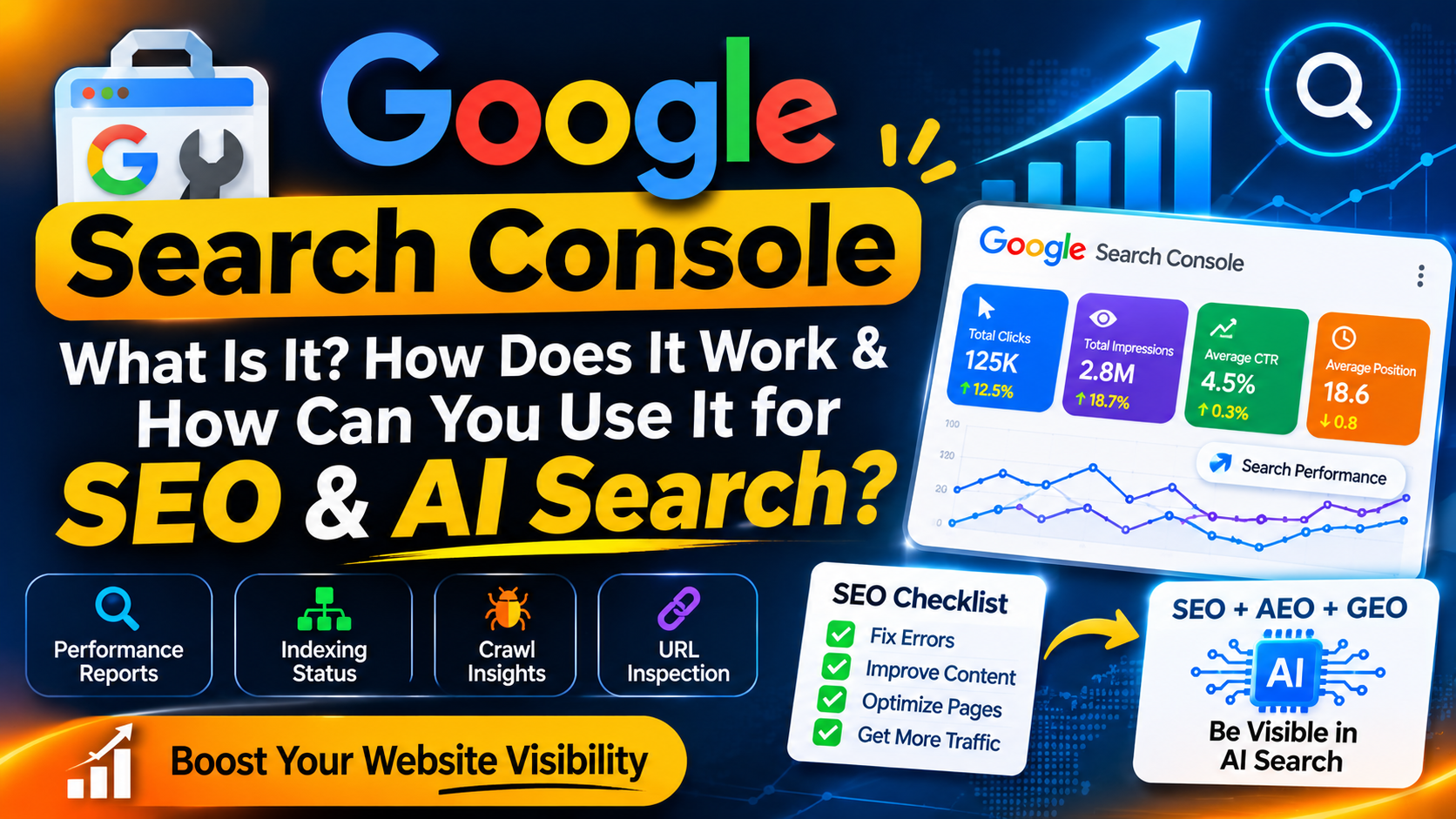

What Is Google Search Console?
Google Search Console is a free Google service that helps website owners, developers and SEO professionals understand how their websites perform in Google Search. It provides information about search queries, impressions, clicks, CTR, average position, indexing and search-related issues.
Table of Contents
- What Is Google Search Console?
- Why Is Google Search Console Important?
- How Does Google Search Console Work?
- Google Search Console Performance Report
- Indexing & URL Inspection
- Google Search Console for SEO
- Google Search Console for AEO & GEO
- Common GSC Mistakes
- Practical GSC Workflow
- Frequently Asked Questions
- Conclusion
01. What Is Google Search Console?
Google Search Console, commonly called GSC, is a free tool from Google that helps website owners understand their website’s presence in Google Search.
It helps you understand which search queries bring visibility to your pages, how many clicks your pages receive, how often they appear in search results and whether Google has encountered indexing-related issues.
For SEO professionals, Search Console is valuable because it provides search-performance information directly from Google’s search ecosystem.
| Table 1: Area | What You Can Understand |
|---|---|
| Performance | Clicks, impressions, CTR and average position. |
| Search Queries | The queries for which your website receives search visibility. |
| Indexing | Information about URLs that Google has processed or excluded. |
| URL Inspection | Information about an individual URL and its indexing status. |
| Search Appearance | Information about supported search appearance features. |
02. Why Is Google Search Console Important?
Publishing a website or blog is only the beginning. You also need to understand whether Google can discover your pages, whether they are indexed and how users find them through search.
Google Search Console gives you useful search data that can help you make SEO decisions based on actual performance instead of assumptions.
Do not judge SEO only by traffic. Look at impressions, clicks, CTR, queries, pages and average position together.
01. Website
Create useful pages and content.
02. Google Search
Google discovers and processes content.
03. Search Console
Measure search performance.
04. Improve
Optimize content and technical SEO.
03. How Does Google Search Console Work?
After adding and verifying your website property, Search Console provides reports that help you understand how Google Search is interacting with your website.
Add Your Website
Add your website property to Google Search Console and complete the required verification process.
Google Processes Your Pages
Google discovers, crawls and processes website pages through its search systems.
Analyze Search Data
Use Search Console reports to understand queries, clicks, impressions and other available information.
Improve Your Website
Use the data to improve content, internal links, technical SEO and overall search visibility.
04. Google Search Console Performance Report
The Performance report is one of the most useful sections in Google Search Console. It helps you understand how your website performs in Google Search.
| Table 2: Metric | Meaning | Why It Matters |
|---|---|---|
| Clicks | The number of clicks your website received from Google Search. | Helps measure search traffic. |
| Impressions | How often your website pages appeared in search results. | Helps measure visibility. |
| CTR | The percentage of impressions that resulted in clicks. | Helps evaluate search-result attractiveness and relevance. |
| Average Position | The average position reported for your search results. | Helps identify ranking opportunities. |
05. Indexing & URL Inspection
Indexing is an important part of SEO. If an important page is not available in Google’s index, it may not be able to appear in normal Google Search results.
The URL Inspection feature can help you investigate an individual URL and understand information related to its indexing status.
Being indexed does not guarantee high rankings. Indexing and ranking are different parts of the search process.
| Table 3: Check | Question | Recommended Action |
|---|---|---|
| URL Inspection | Can Google access and process the URL? | Inspect important URLs when needed. |
| Indexing | Is the important page indexed? | Investigate exclusion or indexing problems. |
| Internal Links | Can important pages be discovered through the website? | Add relevant internal links. |
| Sitemap | Are important URLs included in the sitemap? | Keep your XML sitemap clean and useful. |
06. Google Search Console for SEO
Search Console can become a powerful SEO tool when you use its data to identify opportunities instead of simply checking traffic numbers.
Find Search Queries
Discover queries that are generating impressions and clicks.
Find Opportunities
Look for pages receiving visibility but needing stronger rankings or click-through rates.
Improve Content
Improve titles, headings, content depth, internal linking and search-intent alignment.
Monitor Changes
Compare performance over time instead of judging SEO from one day’s data.
| Table 4: Search Data | Possible Insight | SEO Action |
|---|---|---|
| High Impressions + Low CTR | Your page is getting visibility but relatively fewer clicks. | Review title, content relevance and search intent. |
| Increasing Impressions | A topic or page may be gaining search visibility. | Improve and expand useful content where appropriate. |
| Clicks Declining | Search traffic may have changed. | Investigate queries, pages and search trends. |
| Important URL Not Indexed | The page may have an indexing-related problem. | Inspect the URL and investigate the reason. |
07. Google Search Console for AEO & GEO
Modern search is becoming more conversational, and users increasingly expect direct answers. This is where AEO and GEO become relevant to a broader search strategy.
AEO (Answer Engine Optimization) focuses on creating content that clearly answers user questions.
GEO (Generative Engine Optimization) focuses on improving how useful and understandable your content is for generative search experiences.
SEO
Search visibility
AEO
Direct answers
GEO
Generative search
User Value
Helpful content
Search Console should not be treated as a direct AI ranking dashboard. Instead, use its search data to understand your existing content visibility, user queries and areas where your content can become more useful.
| Table 5: Strategy | Main Focus | Useful Search Console Insight |
|---|---|---|
| SEO | Organic search visibility. | Queries, clicks, impressions and position. |
| AEO | Answering specific user questions. | Informational queries and question-based search intent. |
| GEO | Content usefulness in generative search experiences. | Topics, queries and content areas demonstrating expertise. |
08. Common Google Search Console Mistakes
Checking Data Only Once
SEO changes over time. Checking Search Console only once makes it difficult to identify trends and meaningful changes.
Focusing Only on Clicks
Clicks are important, but impressions, CTR, queries and position provide additional context.
Ignoring Indexing Issues
Important content needs to be discoverable and technically accessible before it can compete effectively in search.
Changing Everything at Once
Making too many changes simultaneously can make it difficult to understand which change affected performance.
09. Practical Google Search Console Workflow
You do not need to spend hours inside Search Console every day. A simple regular workflow can provide useful SEO insights.
Review Performance
Check clicks, impressions, CTR and average position.
Review Queries
Identify new search queries and topics receiving visibility.
Check Important URLs
Inspect important URLs when you suspect indexing or technical problems.
Improve Content
Use the data to improve useful content and align pages with search intent.
10. Frequently Asked Questions
What is Google Search Console?
Google Search Console is a free Google service that helps website owners monitor search performance, indexing and other search-related information.
Is Google Search Console free?
Yes. Google Search Console is available as a free service.
Does Google Search Console improve rankings directly?
No. Search Console does not directly increase rankings. It provides information that can help you identify SEO opportunities and problems.
What is the difference between Google Analytics and Search Console?
Search Console focuses on Google Search performance, while Google Analytics focuses more broadly on website activity and user behavior after visitors reach your website.
Can Google Search Console help with SEO?
Yes. It can help you analyze search queries, clicks, impressions, CTR, average position and indexing-related information.
Can Search Console help with AEO and GEO?
Search Console can support AEO and GEO strategy indirectly by helping you understand search demand, queries, content visibility and areas for improvement.
How often should I check Google Search Console?
For an active website, a regular weekly review is a practical starting point. The frequency can increase when launching or troubleshooting important content.
11. Conclusion
Google Search Console is one of the most useful free tools for SEO. It helps you understand what users search for, how your pages perform and where improvements may be required.
For a modern SEO strategy, combine Search Console data with helpful content, strong internal linking, technical SEO, clear answers and a people-first approach.
The goal should not be to chase one metric. The goal is to build a website that search engines can understand and users genuinely find useful.
Keep Exploring
Want to Improve Your Website’s Search Visibility?
Get help with SEO, website development, AEO, GEO and AI automation for your business.
Get in Touch